AI Video Editing Guide
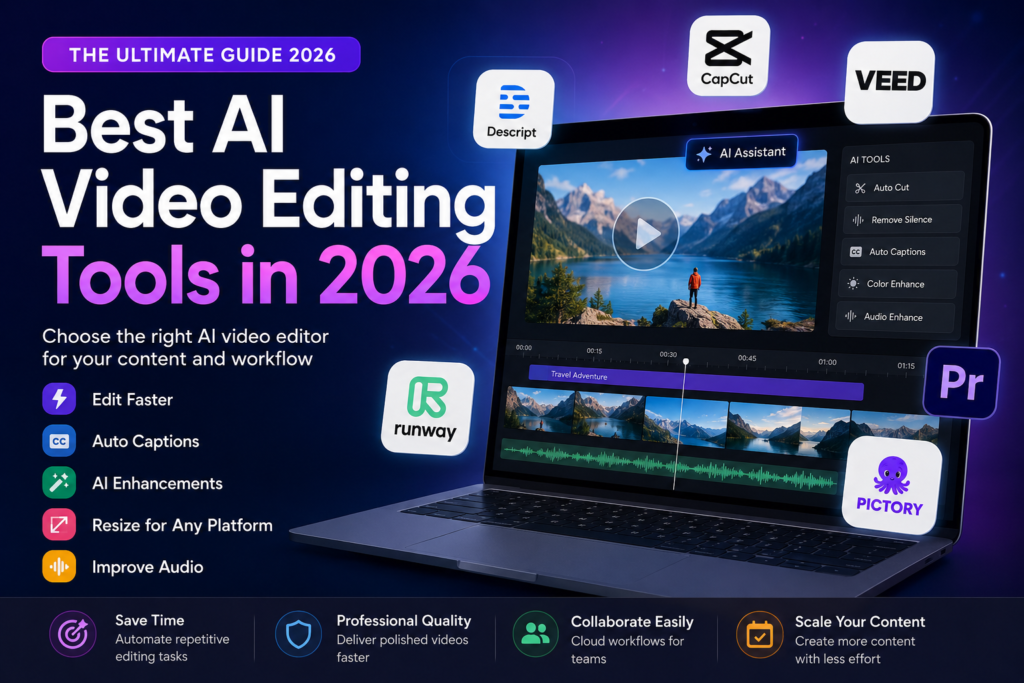
Best AI Video Editing Tools in 2026: Which One Should You Choose?
Artificial intelligence has changed video editing dramatically. Tasks that once required hours of manual work—including removing silence, generating captions, cleaning audio, resizing videos, and even creating entirely new footage—can now be completed in minutes.
However, there is no single AI video editor that is perfect for every creator. The best choice depends on your workflow, experience, content type, publishing platform, collaboration needs, and production goals.
Key Takeaways
- AI editors save time but do not replace creative storytelling.
- Transcript editors are ideal for podcasts and interviews.
- Template-based editors are excellent for TikTok, Instagram, and YouTube Shorts.
- Generative AI platforms create visuals that traditional editors cannot.
- Professional timeline editors remain the best choice for complex productions.
Table of Contents
- How AI Video Editing Has Changed
- Choosing the Right Editor
- Best AI Video Editing Tools
- Comparison Table
- How to Test an AI Editor
- Common Mistakes
- Frequently Asked Questions
- Final Recommendation
How AI Has Changed Video Editing
Traditional video editing requires manually trimming clips, synchronizing audio, adding captions, correcting colors, removing background noise, exporting multiple versions, and preparing content for different platforms.
Modern AI editors automate many repetitive tasks, allowing creators to spend more time on storytelling and creative decisions instead of repetitive editing.
Expert Insight
Artificial intelligence is best viewed as an editing assistant—not a replacement for editorial judgment. Human review remains essential for narrative flow, accuracy, branding, and quality control.
Choose the Right Tool Based on Your Workflow
| Editing Need | Recommended Tool Type | Examples |
|---|---|---|
| Podcast & Interview Editing | Transcript Editor | Descript |
| Short-form Content | Auto Caption Editor | CapCut, VEED |
| AI Generated Video | Generative Platform | Runway |
| Professional Production | Timeline Editor | Adobe Premiere Pro |
| Script to Video | AI Presentation Tool | Pictory |
1. Descript
Descript remains one of the best AI editors for spoken content. Instead of cutting clips frame by frame, users edit a transcript exactly like editing a Word document.
Best For
- Podcasts
- Talking-head videos
- Interviews
- Educational content
Advantages
- Transcript editing
- Automatic captions
- Studio-quality voice enhancement
- Easy learning curve
Limitations
- Not designed for complex cinematic editing
- Limited visual effects
2. CapCut & VEED
Both platforms focus on speed. Their template libraries, automatic captions, social-media presets, and cloud workflows make them popular among creators publishing daily content.
Best For
- TikTok
- Instagram Reels
- YouTube Shorts
- Marketing Teams
Practical Tip
Always verify caption accuracy before publishing. AI transcription continues to improve but can still misunderstand names, technical vocabulary, and accented speech.
3. Runway
Runway is among today’s most innovative AI video platforms. Instead of simply editing existing footage, it can generate entirely new video clips, replace backgrounds, erase unwanted objects, expand scenes, and create visual effects using generative AI.
Ideal For
- Creative agencies
- Storyboards
- Concept videos
- Experimental filmmaking
- Advertising
Quality Check
Always inspect AI-generated footage for visual artifacts, inconsistent hands, distorted faces, text errors, and continuity issues before publication.
4. Adobe Premiere Pro
Premiere Pro remains the industry standard for professional editing. Adobe has integrated numerous AI-powered features—including automatic color balancing, speech enhancement, scene editing, transcription, and intelligent object selection—while preserving complete editorial control.
Best For
- Commercial productions
- Documentaries
- Feature-length videos
- Professional YouTube channels
5. Pictory
Pictory transforms written articles and scripts into narrated videos using stock footage, AI voiceovers, subtitles, and music.
It works particularly well for business presentations, educational explainers, internal communications, and marketing videos where original footage is not essential.
Our Recommended Test
Before purchasing any AI editor, use exactly the same one-minute video in every shortlisted platform.
Evaluate whether each editor can:
- Remove filler words
- Delete silent pauses
- Generate captions
- Resize for mobile platforms
- Improve audio quality
- Add branded titles
- Export in your preferred resolution
The editor requiring the fewest manual corrections usually provides the highest long-term value.
Common Mistakes
- Publishing AI captions without proofreading.
- Ignoring commercial licensing for stock assets.
- Assuming AI-generated footage is error-free.
- Deleting original project files.
- Using AI-generated visuals without disclosure when transparency is important.
Frequently Asked Questions
Can AI edit an entire video automatically?
AI can generate an excellent first draft, but professional videos still require human review for storytelling, pacing, branding, and accuracy.
Which AI editor is easiest for beginners?
Template-based editors such as CapCut and transcript editors like Descript usually have the shortest learning curve.
Can AI improve poor audio?
Yes. Modern AI can remove background noise, improve clarity, and normalize speech. However, severely distorted recordings cannot always be fully restored.
Final Recommendation
Choose an AI video editor based on the biggest bottleneck in your production workflow—not simply on the number of AI features it offers.
Transcript-based editors dramatically accelerate interviews and podcasts. Template-driven platforms streamline social media publishing. Generative AI tools unlock new creative possibilities. Professional timeline editors continue to provide the highest level of precision for commercial productions.
The best AI video editor is ultimately the one that reduces production time while maintaining the quality your audience expects.