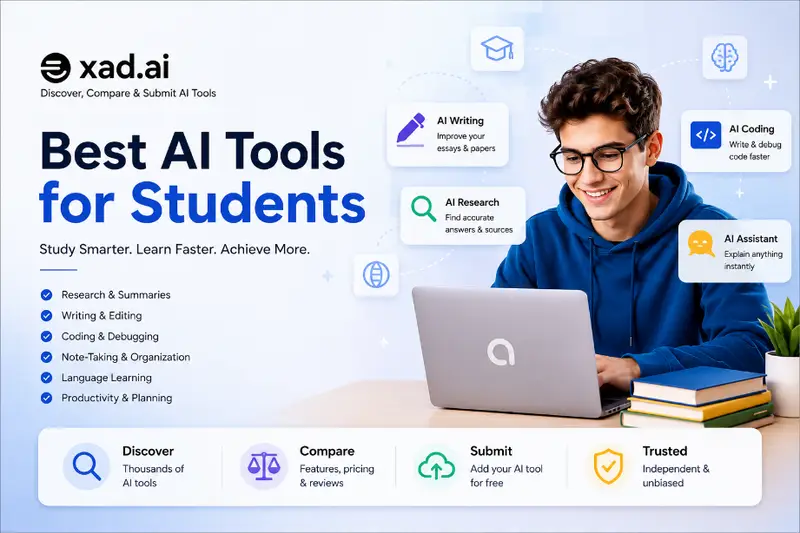
Best AI Tools for Students in 2026: Learn Faster, Study Smarter & Stay Productive
2026 Student AI Guide
Artificial intelligence is transforming education. Today’s students can use AI to summarize lectures, improve writing, solve programming problems, organize research, create presentations, learn languages, and manage study schedules more efficiently than ever before.
This guide explains how to choose the right AI tools for school, college, and university while maintaining academic integrity and improving learning outcomes.
Best for
Students, educators, and lifelong learners
Focus
Studying, writing, research, coding, presentations, and productivity
Reading Time
Approximately 12 minutes
Editorial Approach
This guide was independently prepared by the Oxad.ai editorial team. Recommendations are based on usability, educational value, privacy considerations, pricing, accessibility, and real-world student workflows. Rankings are not influenced by sponsorships or advertising.
Key Takeaways
AI helps students save time but should never replace genuine learning.
The best AI tool depends on your subjects and study habits.
Always verify AI-generated information before submitting assignments.
Use AI to understand concepts instead of copying answers.
Choose tools with strong privacy policies and transparent pricing.
Why Students Are Using AI More Than Ever
Modern education requires students to process large amounts of information in a limited amount of time. Between lectures, assignments, exams, research projects, presentations, and collaborative work, managing academic responsibilities can become overwhelming.
AI tools help students organize information, explain difficult concepts, create study plans, summarize long documents, improve grammar, generate practice questions, and support problem-solving across many disciplines.
Important:
AI should support learning—not replace it. Understanding the material yourself remains essential for exams, professional development, and long-term success.
Benefits of Using AI for Education
When used responsibly, AI can improve productivity without reducing learning quality.
Benefit
Example
Research
Summarize lengthy articles
Writing
Improve grammar and clarity
Programming
Explain code and debug projects
Revision
Generate quizzes and flashcards
Productivity
Create study schedules and task lists
How to Choose the Best AI Tool for Your Studies
Not every AI tool is designed for the same purpose. Some platforms are excellent for writing and brainstorming, while others specialize in programming, research, mathematics, language learning, or productivity. Before choosing a tool, consider your academic goals, subjects, budget, and the way you prefer to study.
Questions to Ask Before Choosing an AI Tool
What subjects do I study most often?
Do I mainly need writing, coding, research, or math assistance?
Is a free version available?
Can the tool explain concepts instead of only giving answers?
Does it work well on mobile devices?
Can it organize notes and study materials?
Does it protect my personal information?
Will it remain useful throughout my academic program?
Students often achieve the best results by combining two or three complementary AI tools instead of relying on a single platform for every task.
Best AI Tools for Students in 2026
Tool
Best For
Free Plan
Rating
ChatGPT
Writing, tutoring, coding, research
Yes
9.8/10
Google Gemini
Google Workspace integration
Yes
9.4/10
Claude
Research and long documents
Yes
9.5/10
Perplexity AI
Research with cited sources
Yes
9.3/10
GitHub Copilot
Programming students
Limited
9.6/10
ChatGPT
ChatGPT remains one of the most versatile AI assistants available to students. It can explain difficult concepts, summarize textbooks, solve programming problems, generate quizzes, improve essays, brainstorm project ideas, and help students prepare for exams.
Best For
Essay planning
Homework explanations
Programming help
Study summaries
Practice questions
Language learning
Advantages
Easy to use.
Supports many academic subjects.
Excellent explanations.
Strong writing assistance.
Available on desktop and mobile.
Limitations
May occasionally provide inaccurate information.
Important facts should always be verified.
Google Gemini
Google Gemini is particularly useful for students already using Google Docs, Gmail, Drive, and Classroom. Its integration with Google’s ecosystem allows students to work more efficiently without constantly switching between applications.
Ideal For
Collaborative projects
Document editing
Presentation preparation
Research organization
Google Workspace users
Claude
Claude excels at reading long research papers, explaining academic concepts, and producing structured summaries. Students working on dissertations, literature reviews, or extensive reading assignments often appreciate its ability to maintain context throughout lengthy conversations.
Study Tip
Instead of asking AI to complete an assignment, ask it to explain difficult concepts, compare theories, generate practice questions, or identify areas that need further study.
Perplexity AI
Perplexity AI focuses on research by providing concise answers with references to online sources. This makes it particularly useful when beginning a research project or exploring unfamiliar topics.
Best For
Finding reliable sources
Research planning
Quick factual questions
Academic exploration
GitHub Copilot
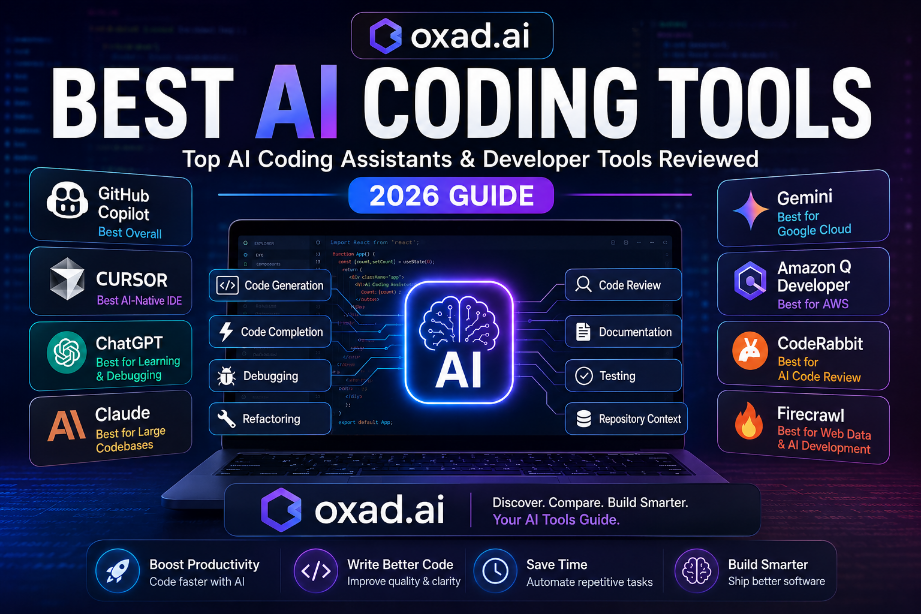
Computer science and software engineering students can benefit from GitHub Copilot when writing code, learning new programming languages, and understanding development workflows. While it should not replace learning programming fundamentals, it can accelerate repetitive coding tasks and explain common programming patterns.
Choosing the Right Combination
Many successful students use multiple AI tools depending on the task. For example:
ChatGPT for learning and writing.
Perplexity AI for research.
Claude for summarizing long documents.
GitHub Copilot for programming assignments.
Gemini for collaboration within Google Workspace.
Continue to Part 3 → Responsible AI use, study tips, common mistakes, FAQs, final recommendations, and editorial note.
How to Use AI Responsibly as a Student
Artificial intelligence should support your education—not replace it. The goal of using AI is to improve understanding, save time on repetitive tasks, and develop stronger study habits while maintaining academic integrity.
Most schools and universities encourage responsible technology use but expect students to produce original work and properly follow institutional policies. Before submitting AI-assisted assignments, always review your school’s academic integrity guidelines.
Best Practices
Use AI to understand concepts rather than copy answers.
Verify important facts using reliable academic sources.
Edit all AI-generated writing in your own words.
Proofread assignments before submitting them.
Respect your school’s AI and plagiarism policies.
Avoid uploading confidential or personal information.
Study Tips for Getting Better Results with AI
The quality of AI responses depends heavily on the questions you ask. Clear instructions usually produce more accurate and useful answers.
Instead of Asking
Try Asking
Explain biology.
Explain photosynthesis using simple language suitable for a high school student.
Write my essay.
Help me create an outline and suggest reliable research topics.
Fix my code.
Explain why this code produces an error and guide me toward the solution.
Common Mistakes Students Should Avoid
Copying AI Output
Submitting AI-generated work without reviewing or understanding it can violate academic policies and reduce learning.
Trusting Every Answer
AI systems can make mistakes. Always verify statistics, dates, quotations, and references.
Ignoring Sources
Use textbooks, journal articles, and trusted educational resources to confirm important information.
Depending on One Tool
Different AI platforms have different strengths. Combining tools often produces better results.
Student AI Checklist
✔ Choose AI tools that match your academic needs.
✔ Understand every answer before using it.
✔ Verify facts from trusted sources.
✔ Write assignments in your own words.
✔ Protect personal and sensitive information.
✔ Follow your school’s academic integrity rules.
✔ Review and edit all AI-generated content.
✔ Continue developing your own critical thinking skills.
Frequently Asked Questions
What is the best free AI tool for students?
Many students start with ChatGPT, Gemini, or Perplexity AI because they offer useful free plans for everyday learning, research, and writing assistance.
Can AI help students study more effectively?
Yes. AI can summarize information, explain complex topics, generate practice quizzes, improve writing, and help organize study schedules when used responsibly.
Is using AI considered cheating?
It depends on your school’s policies and how the tool is used. Using AI to learn and improve understanding is generally different from submitting AI-generated work as your own.
Should students verify AI-generated information?
Absolutely. AI responses may contain mistakes or outdated information. Always confirm important facts using reliable academic sources.
Which AI tool is best for programming students?
GitHub Copilot is an excellent coding assistant, while ChatGPT is particularly useful for explaining algorithms, debugging programs, and learning programming concepts.
Final Thoughts
Artificial intelligence is becoming an important educational companion rather than a replacement for teachers or independent learning. Students who use AI responsibly can improve productivity, better understand difficult subjects, and spend more time developing critical thinking and problem-solving skills.
The most effective approach is to treat AI as a learning assistant. Ask questions, explore ideas, verify information, and use the technology to strengthen—not replace—your own knowledge and abilities.
Explore More AI Tools for Students
Discover, compare, and evaluate hundreds of AI tools for writing, research, coding, productivity, language learning, presentations, and much more on Oxad.ai.
This guide was independently researched and written by the Oxad.ai editorial team. Our recommendations are based on usability, educational value, privacy, accessibility, pricing, and real-world student workflows. Features, pricing, and availability may change over time, so readers should verify the latest information on each provider’s official website before making decisions.
Last updated: July 2026
Related Guides on Oxad.ai
Looking for more practical AI advice? Continue learning with these expert guides from the Oxad.ai editorial team. Each guide explores a different aspect of choosing and using AI tools effectively for education, business, creativity, and productivity.
How to Choose the Right AI Tool for Your Business
Learn a practical framework for evaluating AI software based on business goals, security, pricing, integrations, scalability, and long-term value. A useful guide for students interested in entrepreneurship, startups, or business management.
Discover the leading AI design platforms for presentations, illustrations, social media graphics, marketing materials, and creative projects. Perfect for students studying design, media, or digital content creation.
Learn how AI logo generators can help you design professional brand identities, compare popular tools, and understand when AI is the right choice for personal, academic, or business projects.
Continue exploring: Oxad.ai publishes independent AI guides, software reviews, comparisons, and practical tutorials to help you discover the best AI tools for learning, productivity, business, design, coding, marketing, and much more.